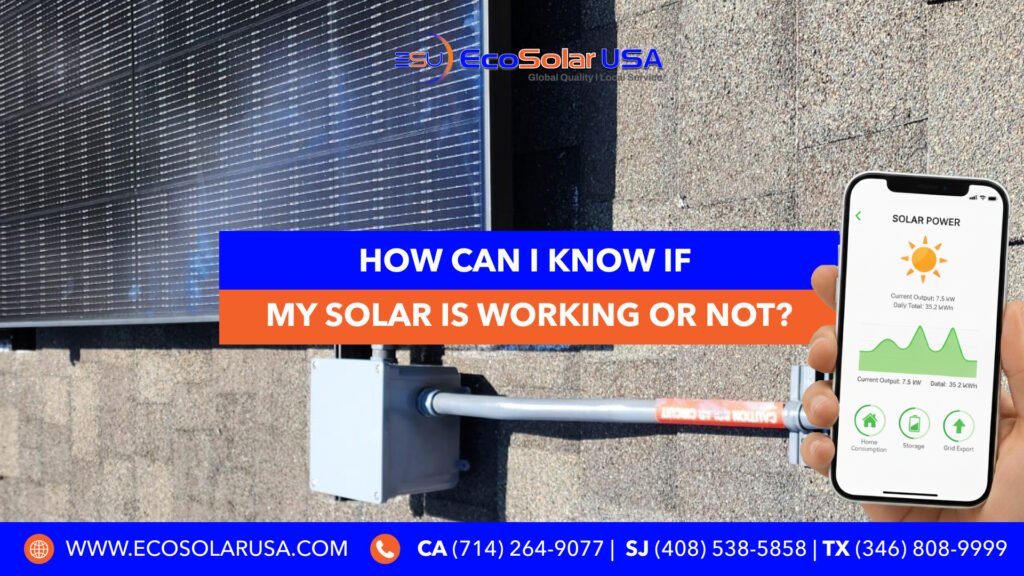
Installing solar panels is a smart investment — but many homeowners still ask: How do I know if my solar system is actually working?
Solar systems usually operate quietly in the background, so problems aren’t always obvious. The good news? There are a few simple checks you can do to confirm your system is producing power the way it should.
📹 Watch: Quick Video Guide on Solar Troubleshooting
A helpful tip from our long-time customer to check if your solar system is working or not.
🔎 1. Check Your Solar Monitoring App or Online Portal
Most solar systems include a monitoring dashboard (website or mobile app). This is the most direct way to see if your system is producing power.
What to look for:
- Real-time power production (kW)
- Daily and monthly totals
- System status (online / offline)
🚩 Warning signs:
- Production shows zero
- System is offline for multiple days
- Sudden unexplained drops in output
📉 2. Review Your Electric Bill After Solar Installation
After going solar, your electric bill should reflect lower grid usage.
Check for:
- Reduced electricity charges
- Net metering credits (if applicable)
- Differences compared to the same month last year
If your bill hasn’t improved, your system may not be producing properly.
💡 3. Look at Your Inverter Lights or Display
Your inverter converts solar energy into usable power and usually has indicator lights or a display.
- Green = working normally
- Yellow / flashing = warning or reduced output
- Red = system error
A red light or blank screen often means your system needs attention.
⚡ 4. How to Check if Your Solar Breaker Has Turned Off
Solar systems connect to your electrical panel through a dedicated solar breaker. If it trips, your system stops sending power.
Steps to Check the Breaker:
- Open your main electrical panel.
- Look for a breaker labeled “Solar,” “PV,” or “Inverter.”
- Check the position:
- ON / UP = normal
- Middle or OFF = tripped
- To reset:
- Turn fully OFF
- Wait a few seconds
- Turn back ON
🚨 Important:
If the breaker keeps tripping, do not continue resetting it. This may indicate an electrical or system issue that needs professional inspection.
👉 If you’re unsure or uncomfortable checking your breaker, EcoSolar USA can help.
🔁 5. Check Your Utility Meter During Daylight
On sunny days, your utility meter should slow down or export energy back to the grid. If usage looks the same as before solar, your system may not be producing power.
🌥 6. Weather vs. System Issues
Cloudy days reduce production — but your system should still generate energy. No production on clear days usually signals a system problem.
🧰 7. When to Contact EcoSolar USA
You should reach out for professional support if:
- Your system shows zero or very low production
- Your breaker trips repeatedly
- Your monitoring app shows errors
- Your electric bills are not decreasing
- You’re unsure whether your solar system is working properly
☀️ Need Help Checking Your Solar System?
If something doesn’t look right — or you just want peace of mind — EcoSolar USA is here to help.
Our experienced solar professionals can:
✔ Diagnose performance issues
✔ Inspect inverters and breakers
✔ Verify monitoring and production
✔ Ensure your system is operating at peak efficiency
📞 Contact EcoSolar USA today to schedule a solar system check and make sure you’re getting the savings you deserve.
👉 Call us or fill out our contact form to get started.